Their own space to play and learn.
A bright, safe portal with every LearnSpace app included — Screen Value and Cyber Safety built in, dressed for Aotearoa's seasons, celebrations, and school moments.
11
learning apps included
0
ads or trackers
1
portal password to remember
19
seasonal themes to explore
Purposeful learning their grown-ups can trust.
Screen Value
Every tap earns its minute — active, curriculum-linked learning, not endless scrolling or ad-driven feeds.
Cyber Safety
No child accounts, no ads, no open web — just a bounded portal with one simple word a grown-up shares.
Made in Aotearoa
Built by NZ teachers, with themes that celebrate our seasons, celebrations, and school year.
The same portal — dressed for the moment.
On the classroom Chromebook or the family iPad, kids always know where to go. Seasonal themes change the look for Matariki, summer holidays, Kiwiana moments, and more — without changing how it works.
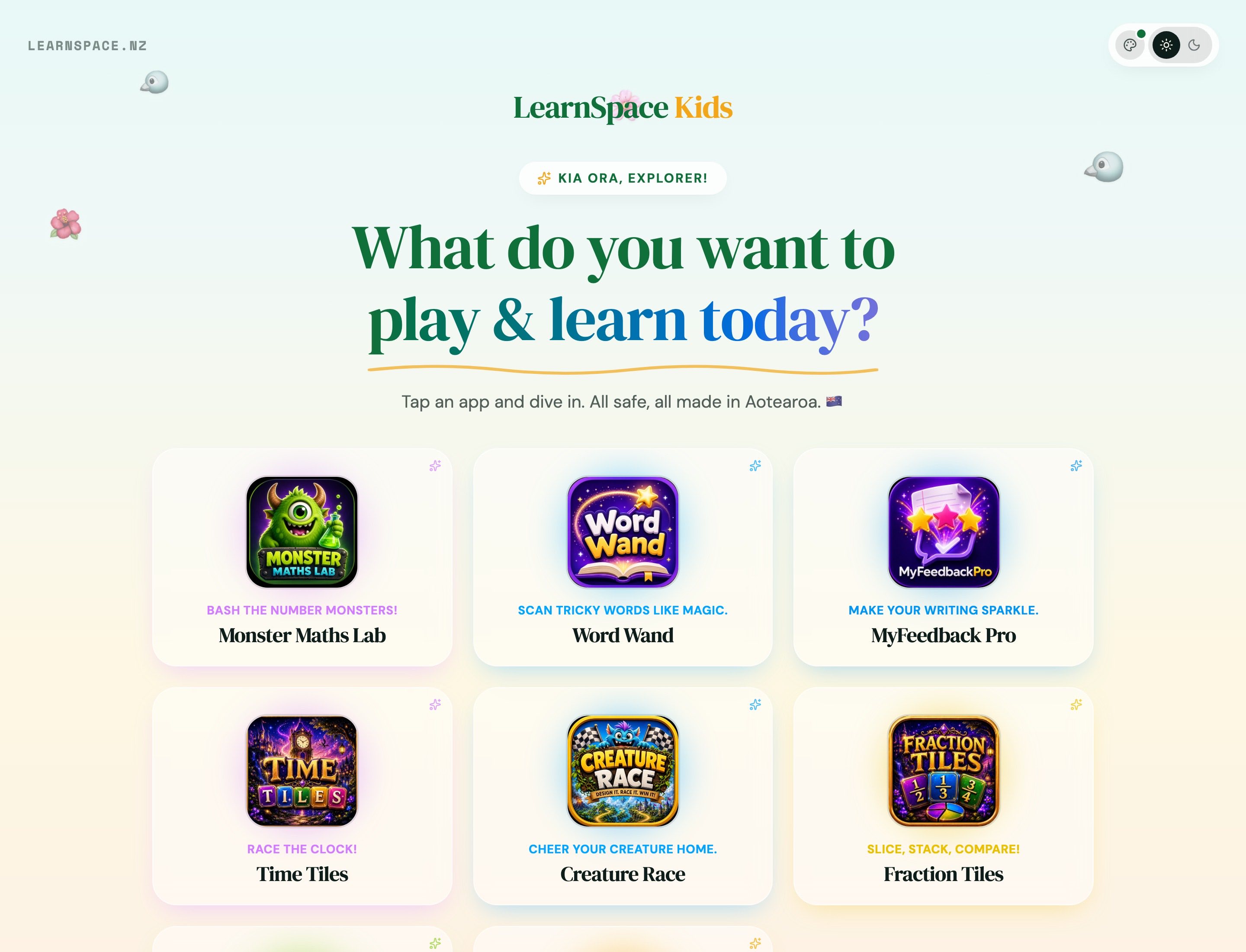
Family laptop — Kiwiana
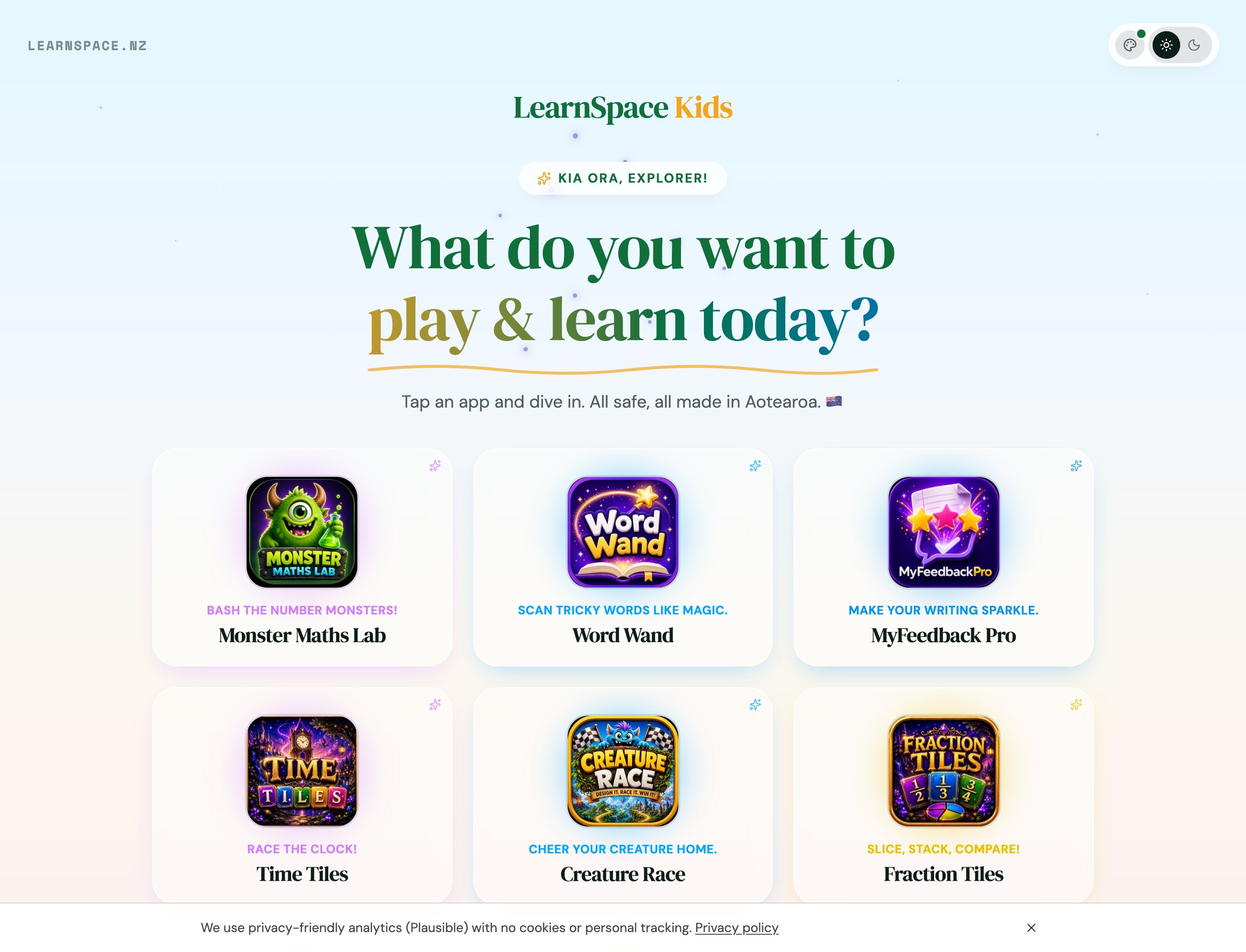
Family iPad — Matariki
A portal that feels like Aotearoa today.
From Matariki and Te Wiki o te Reo Māori to Christmas, Halloween, and back-to-school — the Kids Portal shifts with the seasons, celebrations, and school moments kids already know.
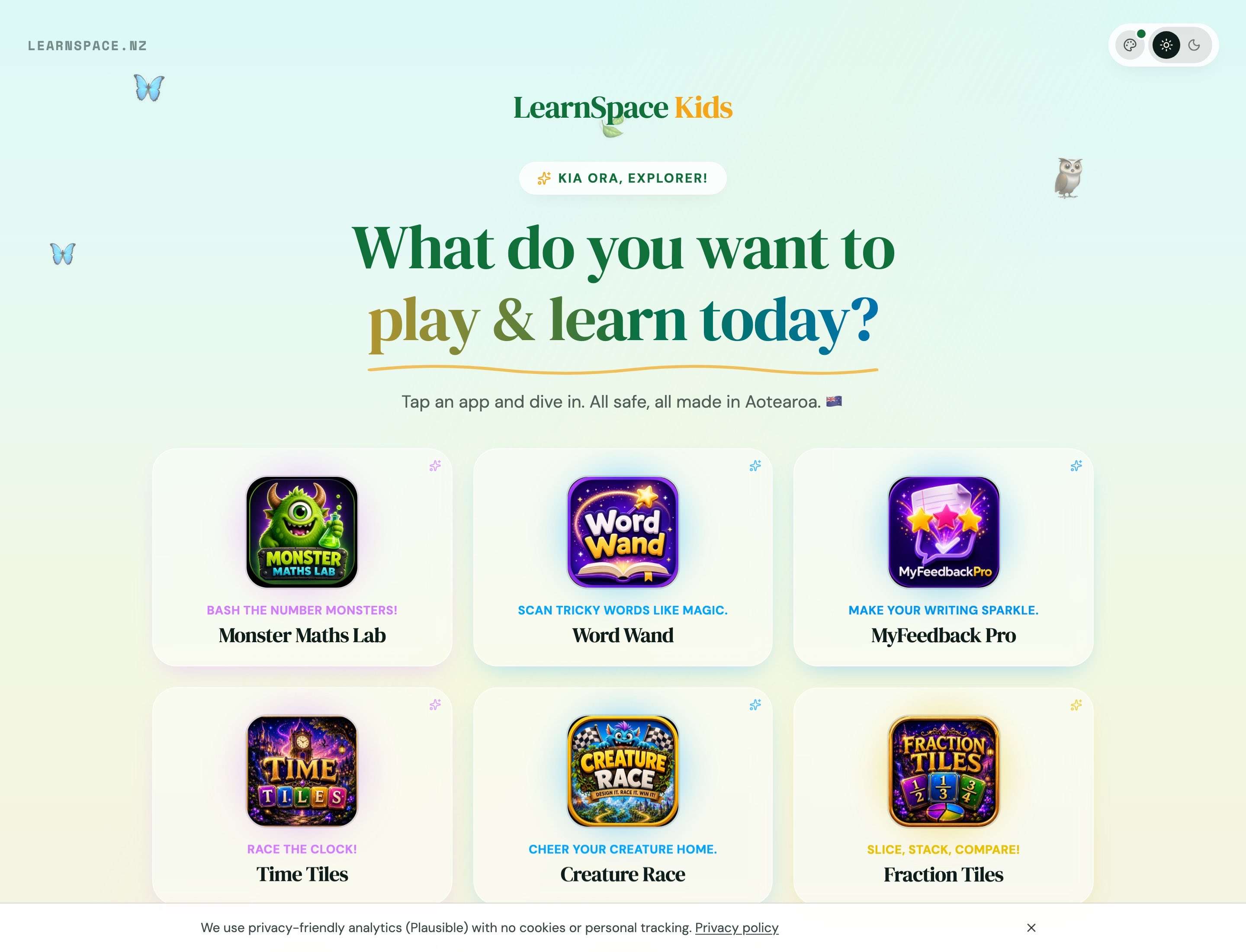
Aotearoa Native Bush
New Zealand
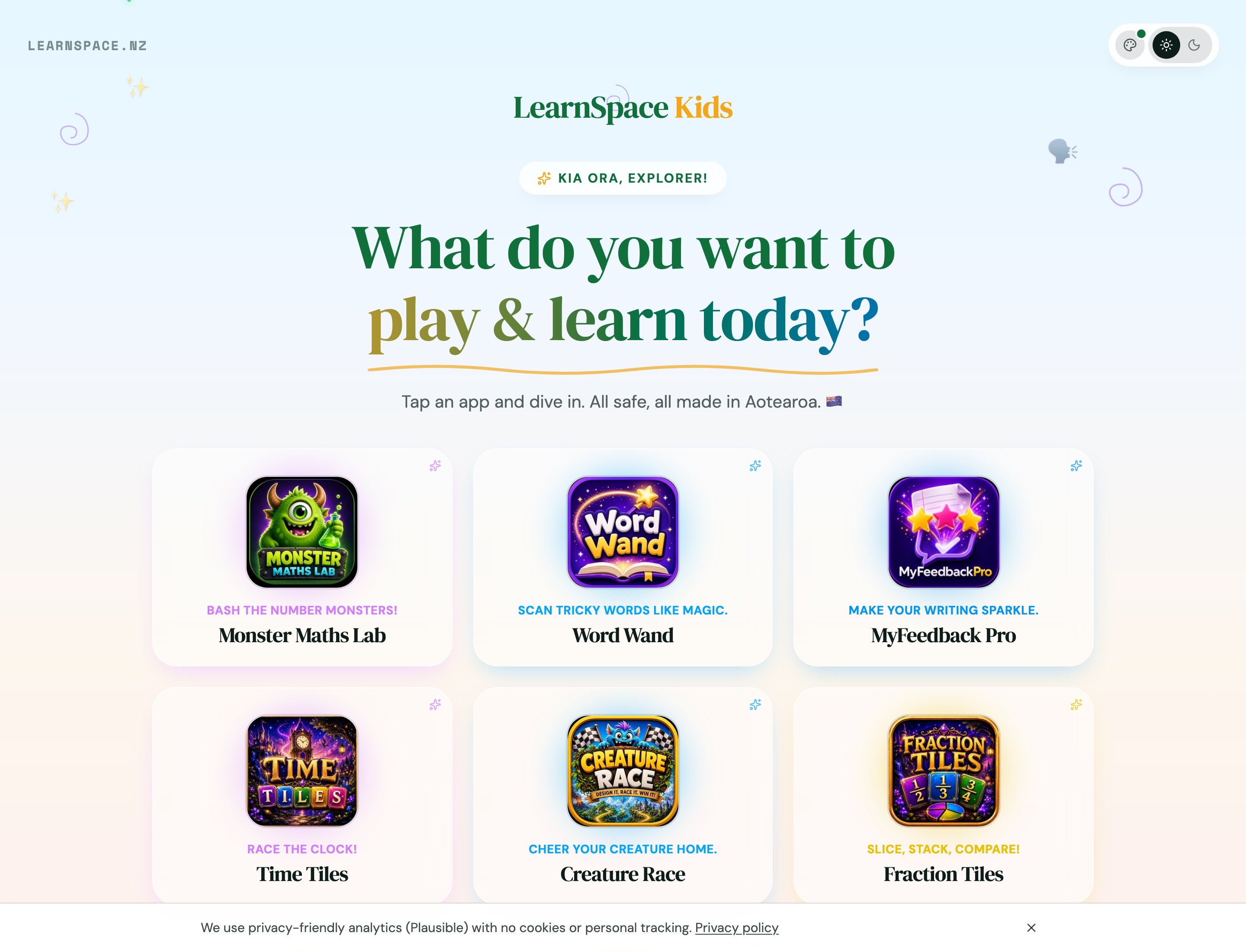
Te Wiki o te Reo Māori
New Zealand
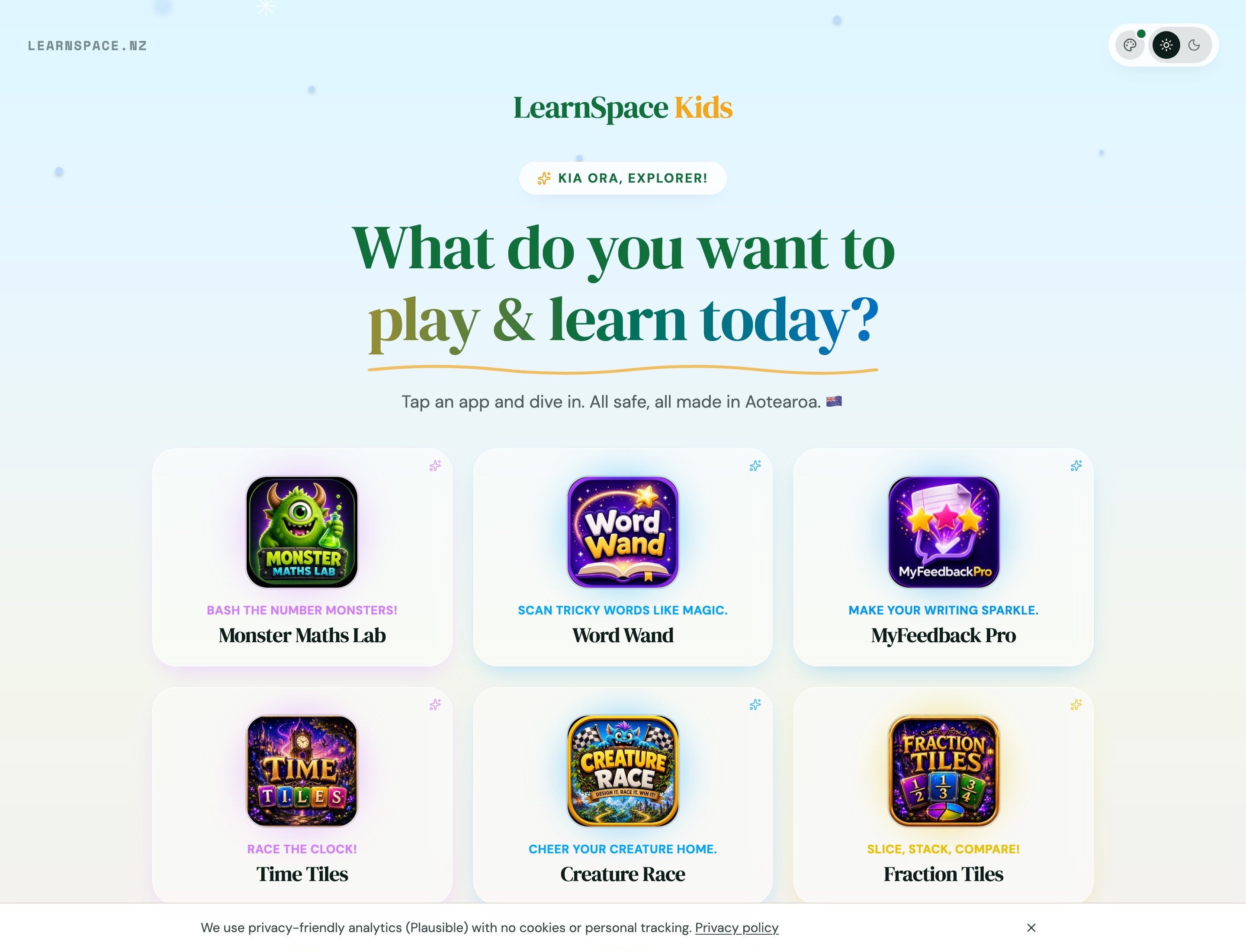
Christmas
Seasonal
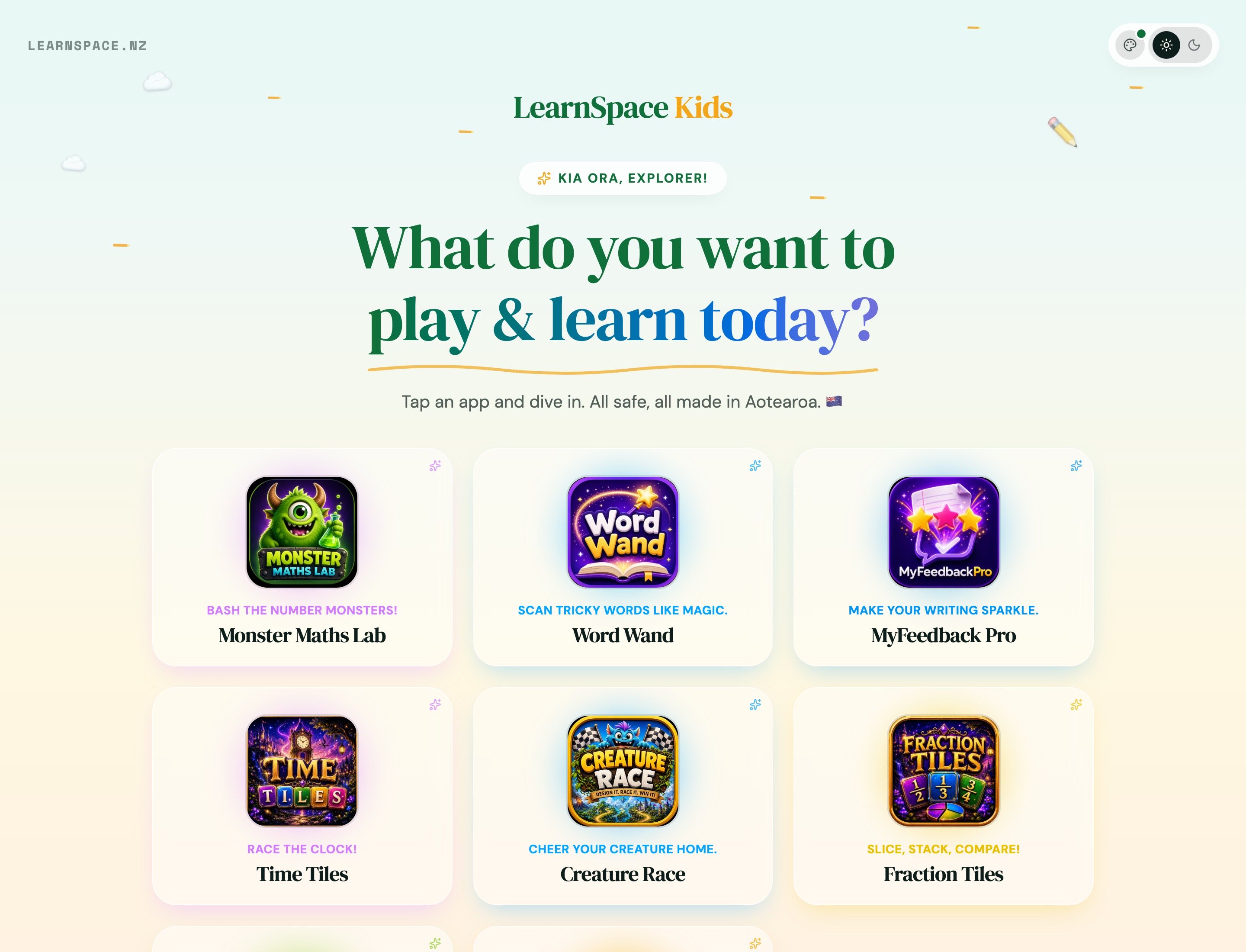
Back to School
School & learning
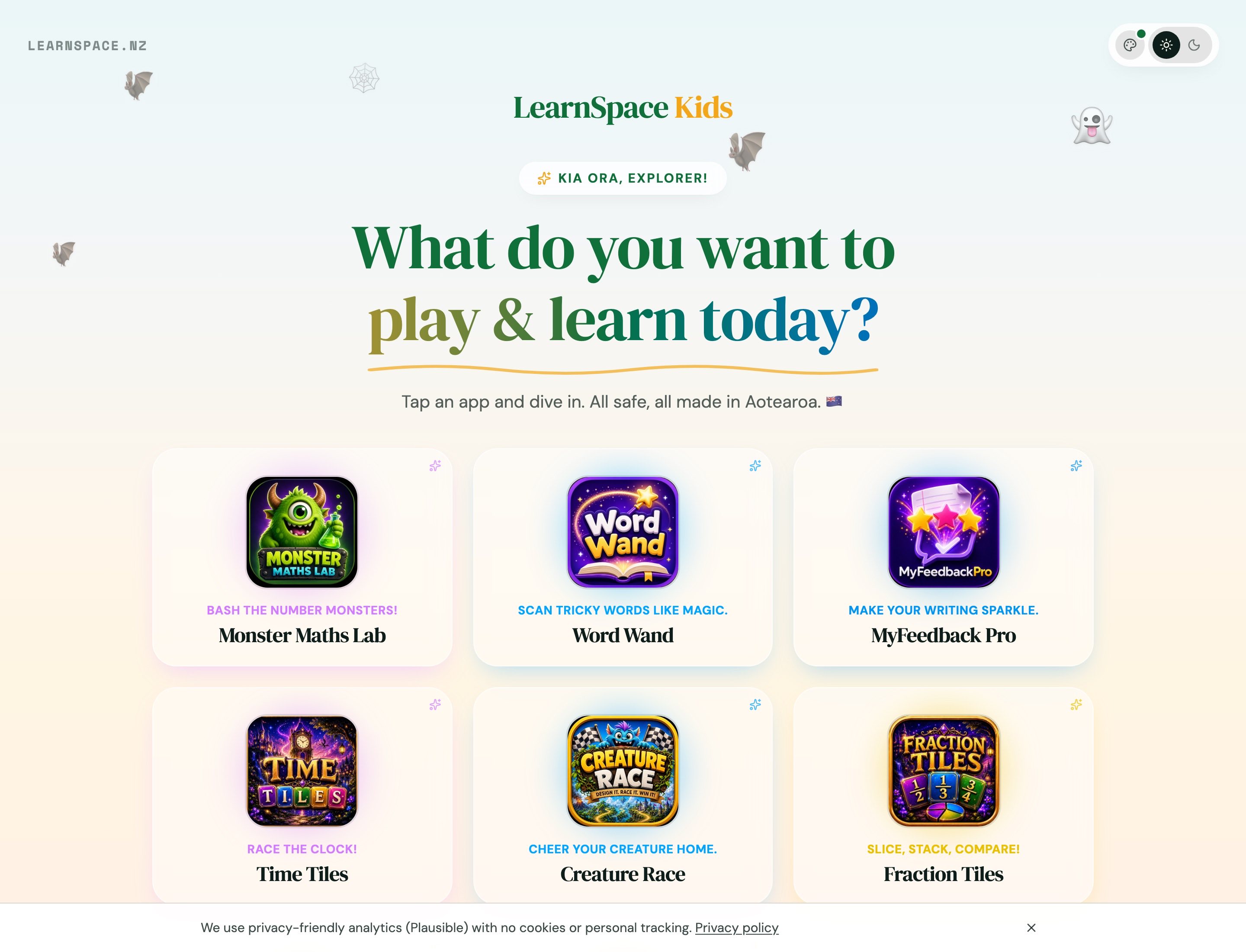
Halloween
Seasonal
Winter
Seasonal
One portal. The whole library.
The same 11 curriculum-aligned apps NZ classrooms use — tap and play inside a portal that feels like today. No accounts for kids to manage.
MyFeedback Pro
Instant, NZ curriculum-aligned writing feedback for students — built by experienced New Zealand educators.
Word Wand
Helping children become confident, independent readers through the magic of words.
Monster Maths Lab
Carefully designed maths practice with meaningful rewards — Times Tables, Division, Addition, and Subtraction at their own pace.
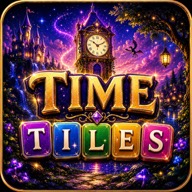
Time Tiles
Magical time-telling practice — build clock times with words, not numbers, across stunning fantasy worlds.
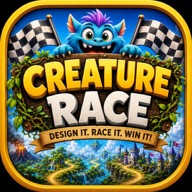
Creature Race
Design your creature, complete writing challenges, and race through exciting fantasy worlds.

Fraction Tiles
Interactive fraction practice — match shaded circles, earn coins, and unlock fantasy worlds across six progressive levels.
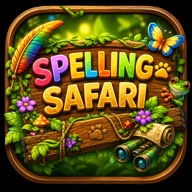
Spelling Safari
Hundreds of animals. Six incredible zoos. One amazing spelling adventure.
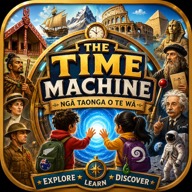
Time Machine
The Time Machine: Aotearoa Edition — Ngā Taonga o te Wā. One incredible educational adventure for primary-aged learners.
Te Reo Town
Welcome to Te Reo Town — curriculum-aligned kupu practice that gets primary-aged learners genuinely excited about te reo Māori.
Evaluation Station
A fun, interactive student voice platform for NZ primary learners — glowing potions, bubbly meters, and insights teachers can actually use.
Mega Moonlander
Earn space credits, upgrade your ship, and discover something new along the way.
100% free · No signup
Warm up with free times tables games
Before you open the Kids Portal, tamariki can practise multiplication in the browser — free times tables games built for Aotearoa primary students, with no account and no ads.
No accounts. Just a link and a word.
Get the link and password
A teacher or parent shares the Kids Portal link and a simple one-word portal password.
Type in the special word
A grown-up can enter it for them, or a child who knows it can type it in themselves.
Tap an app and dive in
Once they're in, every app is one tap away — and the portal can dress for the season with the theme picker.
Ready for them to jump in?
Share the Kids Portal link and their simple portal password — Screen Value learning and Cyber Safety built in, from home or the classroom.